
Domain Transfer
Move your domain to Modern Connection Cloud — without the hassle.
Transfer your domain in a few steps, keep full control of DNS, and manage everything in one place once it lands.
Most transfers complete in a few days. You’ll be guided through each stage.
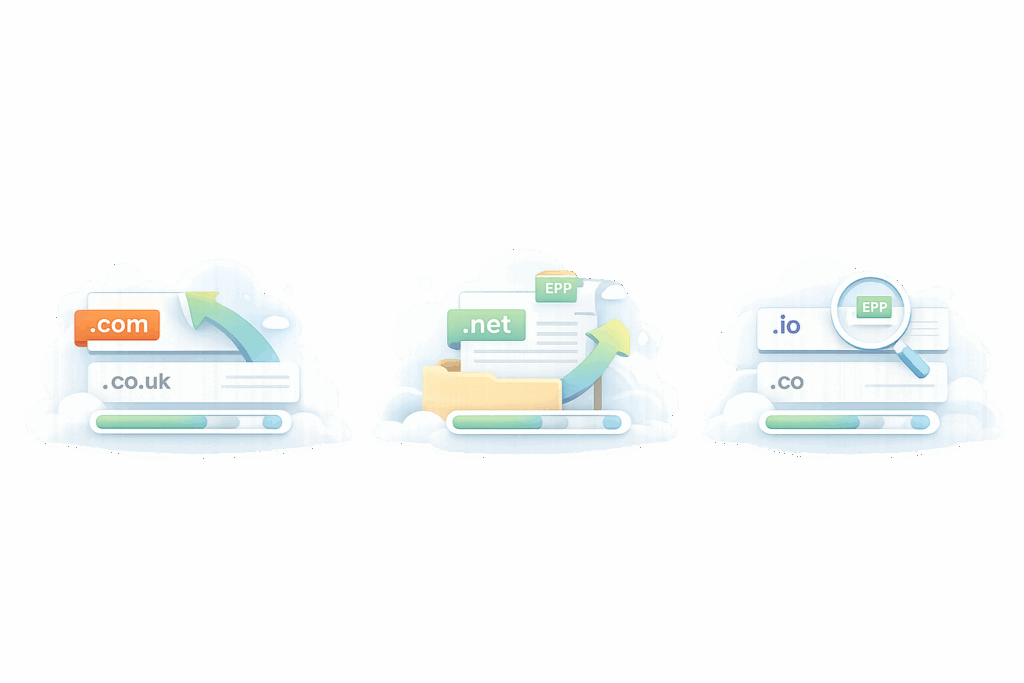
Manage DNS, forwarding and renewals from one dashboard.
Before you start
Before you transfer, save a copy of your current DNS settings (A, CNAME, MX, TXT records). A quick screenshot or export means you can re-add everything instantly if anything resets during the transfer — and avoid downtime or broken email.
Unlock the domain
Log in to your current registrar and switch the domain to “unlocked”.
Get the authorisation code (EPP)
You’ll need this to approve the transfer. It’s sometimes called a transfer key.
Check the admin contact email
Transfer updates are sent to the admin contact email, so make sure it’s correct.
Disable privacy/protected add-ons if required
Some registrars require this before a transfer can complete.
What you can manage once it’s transferred
DNS control
Edit A, CNAME, MX and more from one place.
Forwarding
Point the domain to a site or redirect visitors easily.
Domain lock
Extra protection against unwanted changes.
Contact updates
Update registrant/admin details when needed.
Status alerts
Get notified if something important changes.
Renewal management
Keep domains organised and avoid surprises.